How to Prepare Your Home for HVAC Installation Day
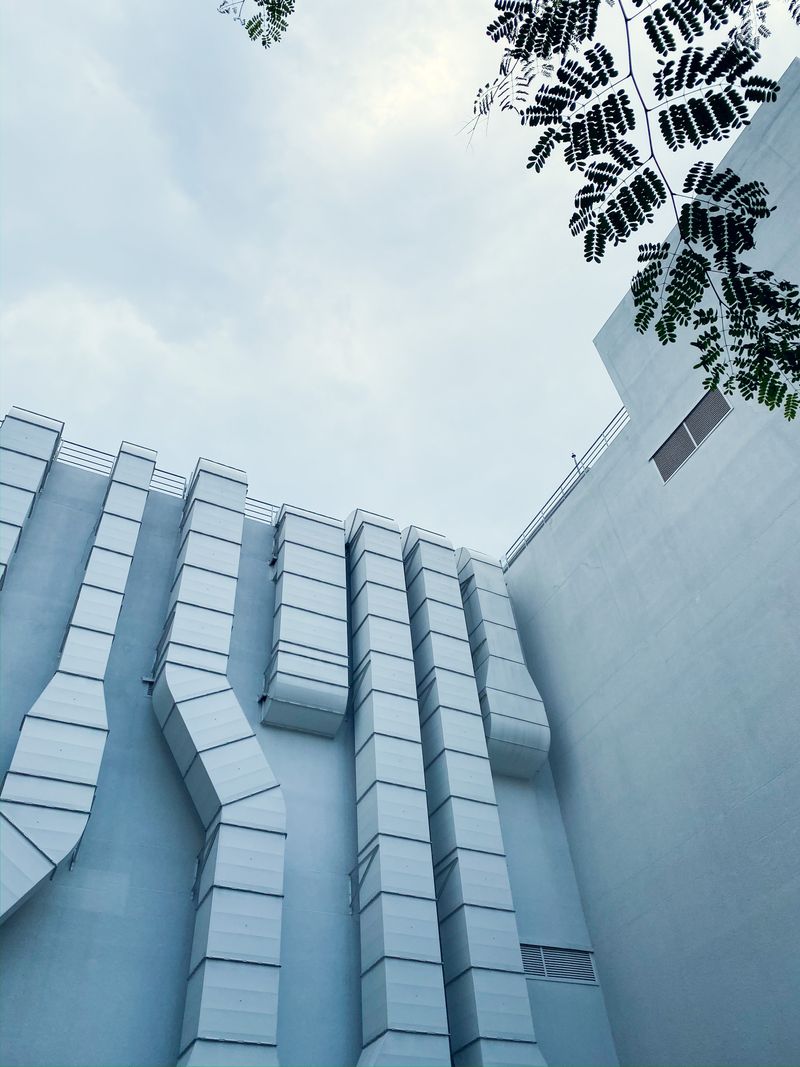
HVAC installation day is exciting — by the end, you will have a functioning new heating and cooling system. But the process can also be stressful if you are not prepared. Technicians typically need clear access to multiple areas of your home, and unexpected obstacles slow the job down and can add to your cost.
A little preparation the day before goes a long way. Here is everything you need to do before the crew arrives.
Before Installation Day
Confirm the Appointment Details
Call or email the contractor the day before to confirm:
- Start time and expected crew size
- Which entrance they will use
- How long the installation is expected to take
- Whether you need to be home the entire time or just for the start and finish
Most HVAC installations take 4–8 hours for a standard system replacement. Larger projects involving new ductwork, multiple systems, or complex homes can take 1–2 days.
Review the Quote One More Time
Read through the signed agreement to confirm the equipment model numbers, warranty terms, and what is included. Note any items the contractor said were excluded — now is the time to raise any questions, not after the work begins.
Check Permits
If a permit is required for your installation, confirm with your contractor that it has been obtained and that an inspection will be scheduled. Never let a contractor skip permitting to save time or money — unpermitted HVAC work can void your equipment warranty, create problems when selling your home, and in some cases is a safety hazard.
Clear the Work Areas
Outdoor Unit Location
The area around the existing outdoor unit — or the location where a new unit will be placed — should be completely clear. Remove:
- Outdoor furniture, potted plants, and decorative items within 6 feet of the unit
- Any debris, leaves, or plant material
- Anything stored under decks or overhangs where technicians need to work
If the new outdoor unit is going in a different location than the old one, make sure the intended location is accessible and clear. Discuss the exact placement with the lead technician before they begin.
Furnace or Air Handler Area
The furnace or air handler area needs to be fully accessible:
- Remove any boxes, shelving, or stored items within 4 feet of the unit
- Clear a path from the nearest exterior door or access point to the equipment location
- If the furnace is in a closet, ensure the closet can be fully opened and items inside are moved out of the way
For attic installations, ensure the attic access hatch is clear and accessible, and that there is enough light for technicians to work safely.
Basement and Crawlspace Access
- If equipment is in a basement, clear a wide path from the exterior entry point to the equipment area
- Remove anything stored near the furnace, electrical panel, or gas meter
- For crawlspace access, clear the crawlspace entry door and move anything stored nearby
Electrical Panel
Make sure the electrical panel is accessible. Technicians will need to connect new circuits or modify existing ones, which requires access to the breakers. Move any furniture, shelving, or stored items that might be blocking the panel door.
Protect Your Home’s Interior
Cover Furniture and Flooring on the Work Path
HVAC technicians carry equipment, tools, and metal components through your home. While most crews are careful, protecting your flooring and furniture is wise:
- Lay down drop cloths or old towels along the main path technicians will use
- Move rugs or area rugs out of high-traffic routes
- Move fragile items off shelves near work areas
Close Off Other Areas
Consider closing doors to rooms that are not part of the work area. This limits dust and debris to the areas where work is actually happening.
Pets and Children
Pets
Pets should be secured away from all work areas for the entire installation day. This is important for safety — HVAC technicians work with refrigerant, electrical equipment, and heavy components. An excited or curious pet in the wrong place at the wrong moment is a hazard.
Additionally, technicians will be entering and exiting your home repeatedly throughout the day, creating opportunities for pets to slip outside.
Plan to:
- Keep pets in a bedroom or another room away from work areas
- Consider having a friend or family member take dogs for an outing during installation
- Board pets if the installation will span more than one day
Children
Similarly, young children should be kept away from installation areas. Explain to older children that technicians will be working and that they should not enter the work areas during the day.
Utilities and System Shutoffs
Know Where Your Gas Shutoff Is
For gas furnace installations, technicians will need to shut off the gas supply to the existing furnace. Know where your main gas shutoff is located. If the main shutoff has not been operated in years, consider having your gas company inspect it before installation day.
Know Where the Electrical Disconnect Is
The outdoor unit has an electrical disconnect (a metal box on the wall near the unit). Make sure it is accessible and functional. Technicians will use it to safely de-energize the old equipment.
Water Supply (for Condensing Systems)
High-efficiency condensing furnaces and heat pumps produce condensate water. If the installation requires a new condensate drain line, make sure the technician has a clear path to the nearest floor drain, utility sink, or crawlspace. Discuss this with the lead technician early in the day.
Day of Installation
Be Home for the Start
Even if you plan to leave during the installation, be present for the first 30 minutes. Walk the technician through the house, confirm the work scope, point out any concerns (a gas line you want to avoid, a specific wall you do not want drilled through), and get a realistic time estimate.
Ask About the Thermostat
Confirm whether a new thermostat is included in the installation or whether your existing thermostat is compatible with the new system. Many modern systems use communicating thermostats — proprietary devices that only work with the specific brand’s equipment. If you prefer a smart thermostat like the Google Nest or Ecobee, ask about compatibility before installation day.
Provide Wi-Fi Access (If Applicable)
If your new system includes a smart thermostat or connected controls, have your Wi-Fi password ready. Many installers will connect and configure the thermostat as part of the installation.
Be Available for Questions
Stay reachable by phone throughout the installation. Technicians may have questions about preferences (thermostat location, which direction the outdoor unit faces) or may discover an issue with the existing system that requires a decision.
After Installation
Walk Through with the Lead Technician
Before the crew leaves, walk through the following:
- Confirm the system is running and set to the correct mode (heating or cooling depending on season)
- Ask for a demonstration of the thermostat
- Confirm the old equipment has been removed
- Check that all work areas are cleaned up
- Ask for copies of warranty registration and any permits
Register Your Equipment
Equipment warranties require registration — typically within 60 days of installation. Most manufacturers allow online registration. Ask your contractor if they handle registration on your behalf; if not, do it yourself within the warranty window.
Inspection
If a permit was pulled, an inspection will be required. The contractor coordinates this with the local building department, and typically you do not need to do anything except be home for the inspection appointment. Passing inspection closes out the permit and documents that the installation was done to code.
With a little preparation, installation day goes smoothly and you end up with a professionally installed system documented properly for warranty and resale purposes.

ThermalTechPro Editorial Team
Independent trade-focused editorial team